The tell of an AI power user is a laptop that never fully closes
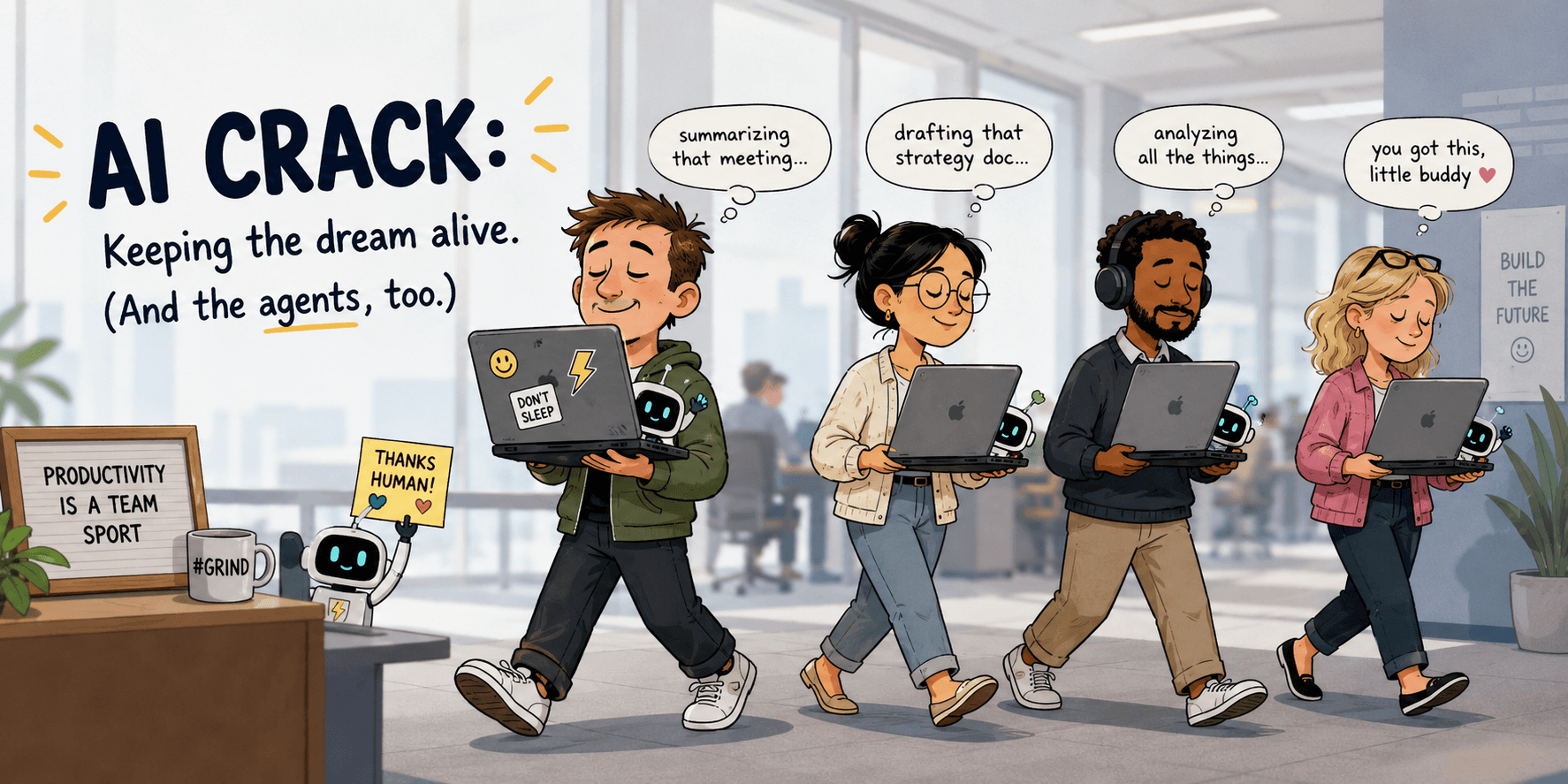
I started calling it the AI crack. That little gap of a half-open lid that quietly says "do not sleep, I am working." Once you notice it, you see it everywhere. The person in the hallway holding their MacBook open like a waiter carrying a tray. The one who sets their laptop down at the lunch table still propped open, screen black. They are all protecting the same thing: a job running on the machine that a closed lid would kill.
My version was walking to meetings. I would kick off a long task in Claude, remember I was late, and rather than close my laptop and lose the run, I would carry it across the office cracked open in two hands, willing it not to fall asleep before I got back. It worked about half the time. The other half, I came back to a machine that had dozed off and a job that had died somewhere in the middle.
There is a better way, it is free, and it is almost embarrassing how long I went without it. But first, the reason your Mac keeps betraying you like this.
“The tell of an AI power user is a laptop that never fully closes.”
Your Mac was built to nap. Your AI agents were not.
For about forty years, a computer going to sleep was a good thing. You stepped away, the screen dimmed, the machine dozed, and it saved power until you came back. Sleep was the responsible setting and nobody argued with it.
Then your computer stopped being only a thing you use and quietly became a thing that works for you. I got deep into building automations with Claude that run on a schedule. Little jobs that check my email and flag what actually needs me. A morning report that lands in Slack. Follow-ups on my Asana tasks so things stop slipping through the cracks. The kind of recurring busywork that used to sit on my own plate and tax my brain all day long.
Handing that to AI was the real unlock. It pulled the repeatable stuff off me so I could spend my attention on the bigger projects. But it came with a catch I did not see coming. For weeks, I woke up to a handful of failed runs every single morning. The jobs were scheduled. The jobs were good. The jobs never ran, because at 2 a.m. my Mac had done the responsible thing and gone to sleep.
Here is the part that matters, and it is the whole reason this is worth solving. These agents run on my machine, not in the cloud. A scheduled job on some server does not care whether my laptop is awake. But a local agent, a Claude Code run, an overnight script, lives and dies with the computer it sits on. When that computer sleeps, your worker clocks out. A failed overnight run is not a tech hiccup. It is your delegate not showing up for the shift.
Amphetamine is a free app whose entire job is to keep your Mac awake
The fix I landed on is a free Mac app called Amphetamine, built by a developer named William Gustafson. The name is the joke and the job description at the same time. It is a stimulant for your Mac. It keeps the machine awake when you tell it to, so your work keeps running.
It lives in your menu bar. Click it, start a session, and your Mac will not sleep until you say so. That is the version I use. I open it, turn on a session with no time limit, and leave it. My Mac simply does not fall asleep on me anymore, and I have not lost a scheduled run since.
Two settings make it genuinely good rather than just an on switch. First, you can let the display sleep while the system stays awake. The screen going dark saves power and heat, and your agents keep right on working in the dark. Second, it can keep the Mac awake with the lid fully closed, which is the thing that finally killed my cracked-laptop habit. On the newer Apple Silicon Macs that closed-lid trick needs a little extra setup, a helper the app calls Power Protect, so closing the lid is not a single tap on every machine. Worth knowing before you expect magic.
There is also a smarter mode called Triggers, where the app keeps your Mac awake automatically based on conditions you pick. An external display is plugged in. A certain app is running. The processor is busy above some threshold. You set the rule once and stop thinking about it. I keep it simple and just run an open-ended session, but the triggers are there if you want the machine to manage itself.
If you live in the Terminal, macOS already has this built in
Before you install anything, know that Apple shipped a version of this in every Mac. It is a command called caffeinate, and it has been sitting in your system the whole time at /usr/bin/caffeinate. Open Terminal, type caffeinate, and your Mac will stay awake until you stop it with Control plus C. That is the free, no-download version, and it is the "caffeine" a lot of people mean when they talk about keeping a Mac awake from the command line.
It gets more useful with a couple of flags:
caffeinate -dkeeps the display awake too, not just the system.caffeinate -iprevents idle sleep, the normal kind that kicks in when you walk away.caffeinate -i ./my-script.shkeeps the Mac awake for exactly as long as that one command runs, then lets it sleep again. This is the cleanest way to babysit a single overnight job.caffeinate -swill even hold the Mac awake with the lid closed, but only while it is plugged into power. That is the closest the built-in command gets to the closed-lid trick.
So why did I still reach for the app? Two reasons. The lid-closed behavior is a checkbox in Amphetamine instead of a flag I have to remember and a Terminal window I have to leave open. And not everyone wants to live in a command line just to keep their computer awake. If you are comfortable in the Terminal, caffeinate may be all you ever need. If you are not, the app does the same job without making you think about it.
Is keeping your Mac awake all the time bad for it?
This was my honest worry, so I looked into it instead of guessing. The short answer is no, not in any way that will hurt your machine. Macs are built to run continuously. Server rooms are full of them doing exactly that, for years, without a nap.
The real tradeoffs are smaller and worth knowing. A Mac that never sleeps runs a little warmer and uses more power than one that dozes, and heat over a long stretch of time is the thing that ages a battery fastest. So two simple habits cover it. Keep the laptop plugged in when it is doing overnight work, so you are not burning through battery cycles to run a 3 a.m. report. And let the display sleep even while the system stays awake, which both Amphetamine and caffeinate -i are happy to do. A dark screen is most of the heat and power saved right there.
That is the whole caution. Not "this will damage your computer," just "keep it plugged in, let the screen go dark, and do not be surprised that it runs warm." For me, the trade of a slightly warmer laptop against never missing a scheduled job again was not close.
“Once AI runs on your machine, a worker that is asleep gets nothing done.”
Take it or leave it, this is the small fix that helped me most
I want to be clear about what this is and is not. I am not affiliated with Amphetamine, nobody is paying me to mention it, and I have never paid them a cent, mostly because it is free and there is nothing to pay for. This is just a tool that quietly removed a daily annoyance from my life, the kind of thing I would tell a friend about over coffee.
The bigger point underneath it is the one I would actually keep. The moment you start running AI on your own machine, that machine becomes a worker, not just a tool. And a worker that is asleep gets nothing done. Most of the value I get from AI now happens while I am in a meeting, walking across the office, or asleep, which only works if the computer stays awake to do it.
So if you have started running local automations and you keep finding dead jobs in the morning, or you have caught yourself carrying your laptop around cracked open like everyone else, there is a free fix. Amphetamine if you want an app, caffeinate if you want the command line. Take it or leave it. It helped me, and it is the kind of small, unglamorous thing that makes the rest of your AI actually pay off.
Key Takeaways
- AI agents, Claude Code runs, and scheduled automations run on your own Mac, not in the cloud. When the Mac sleeps, whether from idle or a closed lid, those local jobs die mid-run.
- Amphetamine is a free Mac App Store app, built by William Gustafson, that keeps your Mac awake on demand or on smart Triggers. It can let the display sleep while the system stays awake, and can keep the Mac awake with the lid closed (extra setup required on Apple Silicon).
- macOS already includes the same capability for free in the Terminal: run caffeinate to stay awake, caffeinate -i with a command to stay awake only while that job runs, and caffeinate -s to hold through a closed lid while on power.
- Keeping a Mac awake around the clock will not damage it. It runs warmer and uses more power, so keep it plugged in for overnight work and let the display sleep.
- The real shift: once AI does your recurring work on your machine, the machine is a worker. A worker that is asleep gets nothing done, so keeping it awake is what makes the rest of your AI pay off.