One Home for Every Piece of Business Content Your Team Creates
Unify decks, PDFs, videos, web pages, and more from Google Drive, Notion, YouTube, and Slack into a single, searchable content library that powers AI, analytics, and automation.
A home has room for all of it. Google Drive, Notion, YouTube, Slack, and your website sync in, anything else moves in as uploads or linked assets, and AI tags everything on arrival. Moving in takes hours, not months.
Masset's Unified Content Library centralizes all B2B sales and marketing content — decks, PDFs, videos, spreadsheets, web pages, and case studies — into a single searchable platform connected to Google Drive, Notion, Slack, and company websites. Organizations using Masset report finding content 95% faster and eliminating an average of 12 duplicate content requests per month. The library powers Masset's AI, analytics, and automation features through Collections for organizing content by use case, topic, or audience.
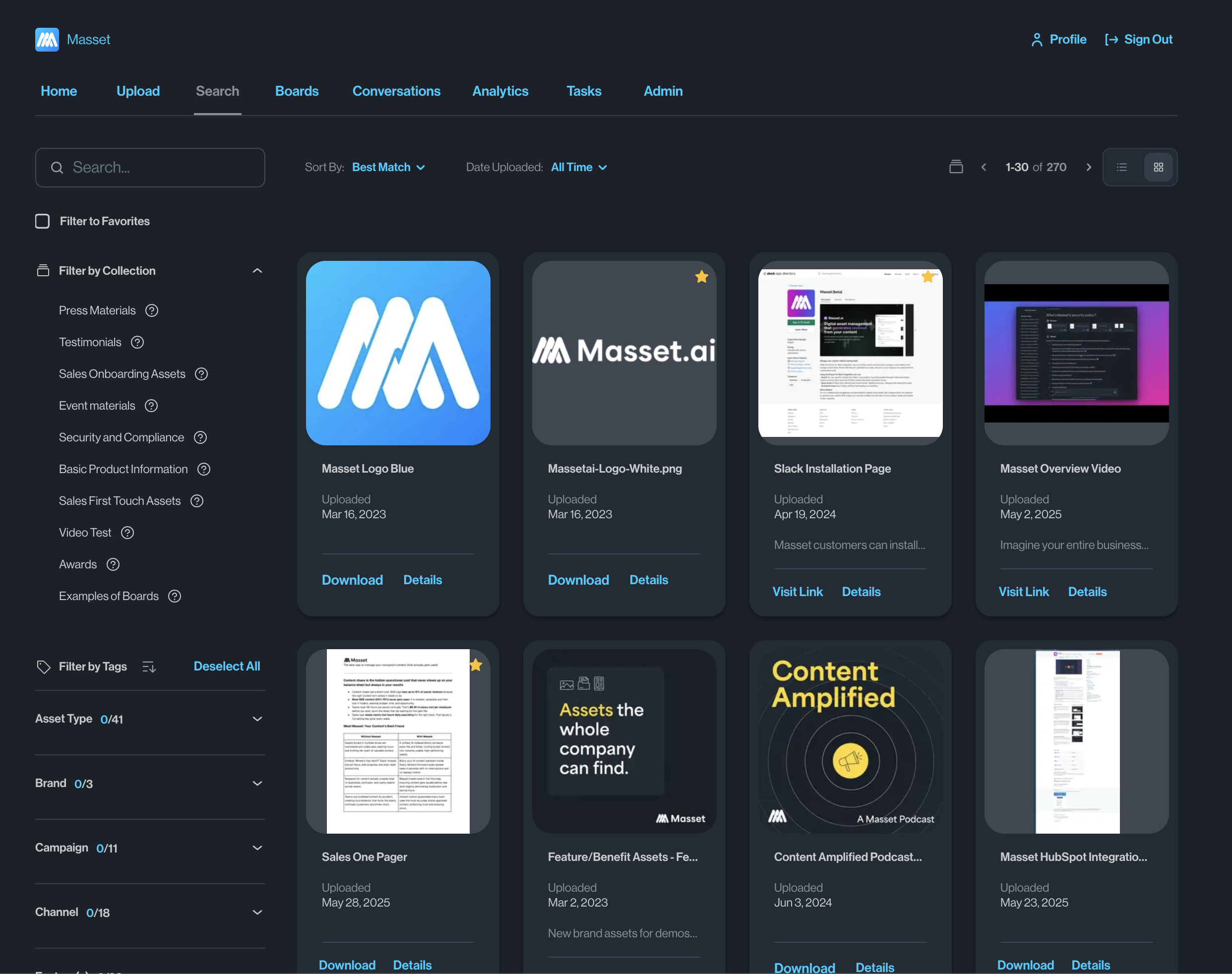
Before Masset vs. After Masset
Without Masset
- Content scattered across Google Drive, SharePoint, Slack, email, and personal desktops
- Nobody knows what content exists, let alone which version is current
- New content gets created because existing assets can't be found
- No way to measure what content is actually being used
With Masset
- Every asset in one searchable library — automatically synced from all your sources
- Natural language search finds exactly what you need in seconds
- Collections organize content by use case, audience, and topic
- Analytics, AI, and automation built on top of your unified library
Get Started in Minutes
Connect your content sources
Link Google Drive, Notion, Slack, YouTube, and your website. Masset automatically imports and indexes all your content — decks, PDFs, videos, spreadsheets, web pages, and more.
Content is auto-organized and searchable
Masset's AI reads, categorizes, and tags every asset. Natural language search means your team can find content by describing what they need, not remembering file names.
Create Collections for every use case
Group content into Collections — by deal stage, industry, persona, campaign, or any organizing principle. Collections make it easy to surface the right content for any situation.
Keep everything current, automatically
Connected sources sync continuously. When a file is updated in Google Drive, it's updated in Masset. Version control ensures everyone always has the latest asset.
Everything Under the Hood
01Content Sources
- Google Drive — docs, sheets, slides, and more
- Notion pages and databases
- Slack messages and shared files
- Website pages and blog content via URL
- Linked assets for anything with a URL, like SharePoint or Dropbox files
02Content Types
- Presentations (PPT, Google Slides, Keynote)
- Documents (PDF, Word, Google Docs)
- Videos (YouTube, uploaded, recorded)
- Spreadsheets and data files
- Web pages, case studies, and blog posts
03Search & Discovery
- Natural language search across all content
- AI-powered content descriptions and tagging
- Filter by type, date, source, author, and custom fields
- Full-text search inside documents and presentations
- Recommended content based on context and role
04Collections & Organization
- Create Collections by use case, audience, or topic
- Drag-and-drop content curation
- Nested Collections for complex taxonomies
- Share Collections internally or with external partners
- Set Collections as homepages for specific teams
Built for your team.
See how teams like yours use MassetCommon Questions
One Library. Every Asset. Always Current.
Stop losing content across scattered drives and tools. Unify everything in Masset and give your team a single source of truth.