This is a MASSIVE update. We'd love to share why.
Your company is playing a dangerous game of telephone. And at the end of the line? Your customer.
Your story is getting passed from team to team, tool to tool, and system to system. What comes out the other end is NOTHING like where it started.
Think about the scale. Thousands of touchpoints every month — emails, proposals, decks, chat replies, follow-ups — generated, assisted, or created inside tools that don't actually have access to your real story.
It's impossible for everyone to share the right message. And most teams just accept that as normal.
But it's not normal. It's not inevitable. And it's not harmless.
That's why we built MCP.
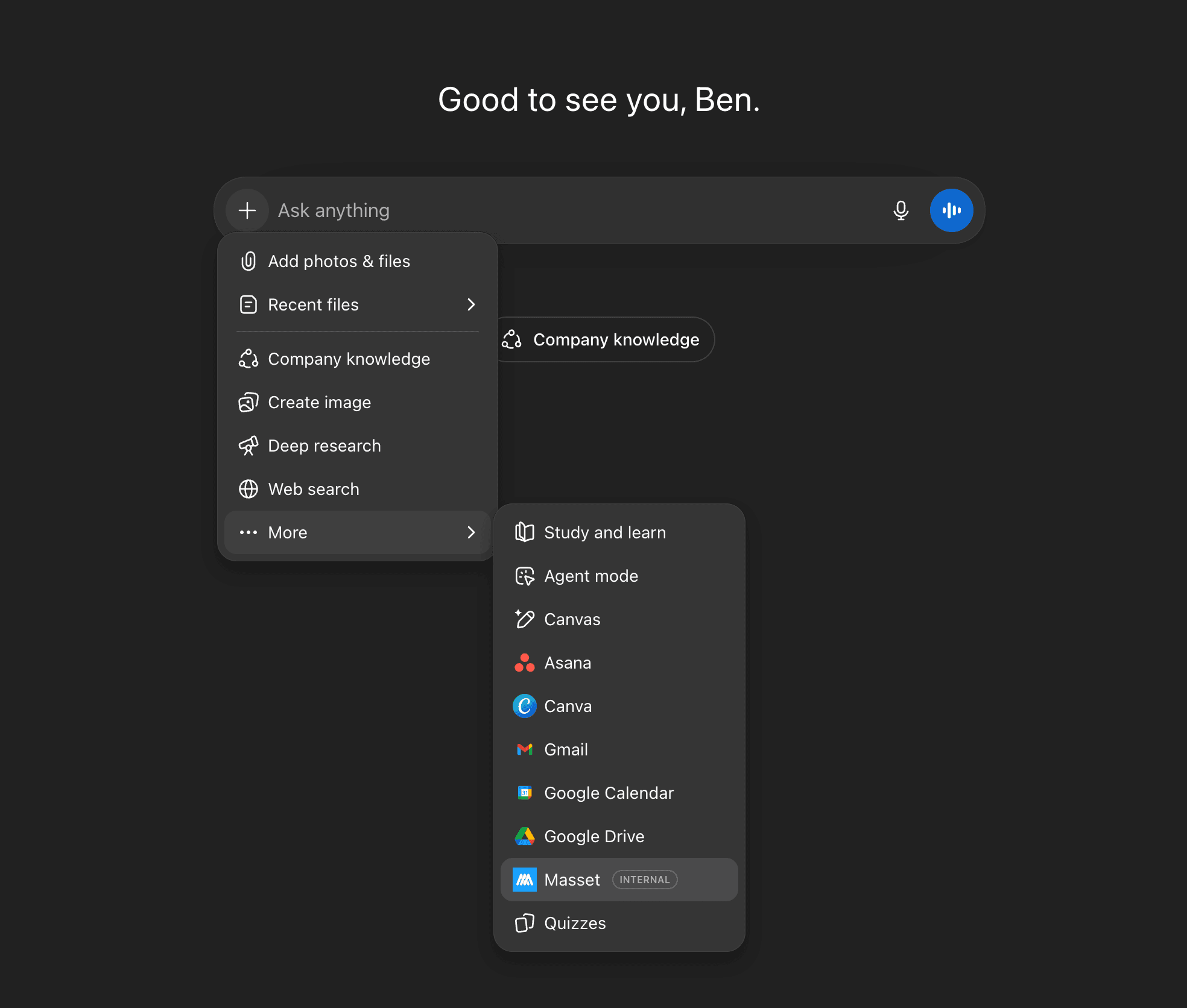
Connect your approved content to the tools your team already uses — including AI — so every interaction pulls from the same source of truth. Not another interpretation. Your actual story. Unified. Consistent. Compounding in the right direction.
Here's what MCP looks like in practice
Sales Using AI Before a Call
Without a connection to your source of truth, the answer sounds polished but generic, which means your demo is generic, which means your prospect thinks you're just generic. This is the exact gap that sales enablement software closes.
With MCP connected, the response pulls directly from your approved positioning, ICP language, differentiators, and proof points. Same AI. Completely different impact.
Marketing Creating Campaign Messaging
Normally, AI invents framing. With MCP, it references your official launch messaging, tone, and narrative pillars. Your campaigns stop drifting. They compound.
Customer Success Turning Upgrades Into Clear, Confident Conversations
Instead of improvising, AI pulls from your approved packaging strategy, value differentiation, and positioning language. It clearly connects new features to outcomes the customer already cares about.
No pressure. No guesswork. Just a story that makes sense.
MCP is currently in beta. Reach out to Ben directly if you'd like to get access or learn more — or read The MCP Playbook for GTM Teams for the deeper dive on what it is, how it works, and how to roll it out.
One Other Update: Enhanced Asset Access Controls
We've expanded General Access settings inside Masset so you have more control over how your content is used and shared. You can now:
- For Internal Use Only — Mark content as internal to disable downloading and sharing, with a clear warning shown on the asset so your team knows before they act.
- Block Downloading — Prevent any Masset user from downloading a specific asset, keeping sensitive content where it belongs.
- Third Party Content — Flag assets as third-party so your team is reminded to double-check the source before sending anything external.
The best way to turn your content into action.
Thanks,
Ben and Tyler
Co-founders of Masset