I cannot really code, so I had AI make my videos
I can't really code. I want to say that up front, because every other review of these tools is written by a developer, and that's not who most of us are.
This started at a lunch. Our investors at Startup Ignition host these portfolio get-togethers where one founder shows the rest of us how they actually work. This time they brought in one of their CTOs to show off how he builds with AI. Good lunch. The kind where you learn more from the person next to you than from any conference.
I walked in and Tyler Richards was sitting there playing with Remotion. He showed me. I started poking at it myself. And pretty fast I could see there was something real here. You write code, or you get AI to write the code, and a finished video comes out the other end. No editor. No timeline. No render farm you rent by the hour.
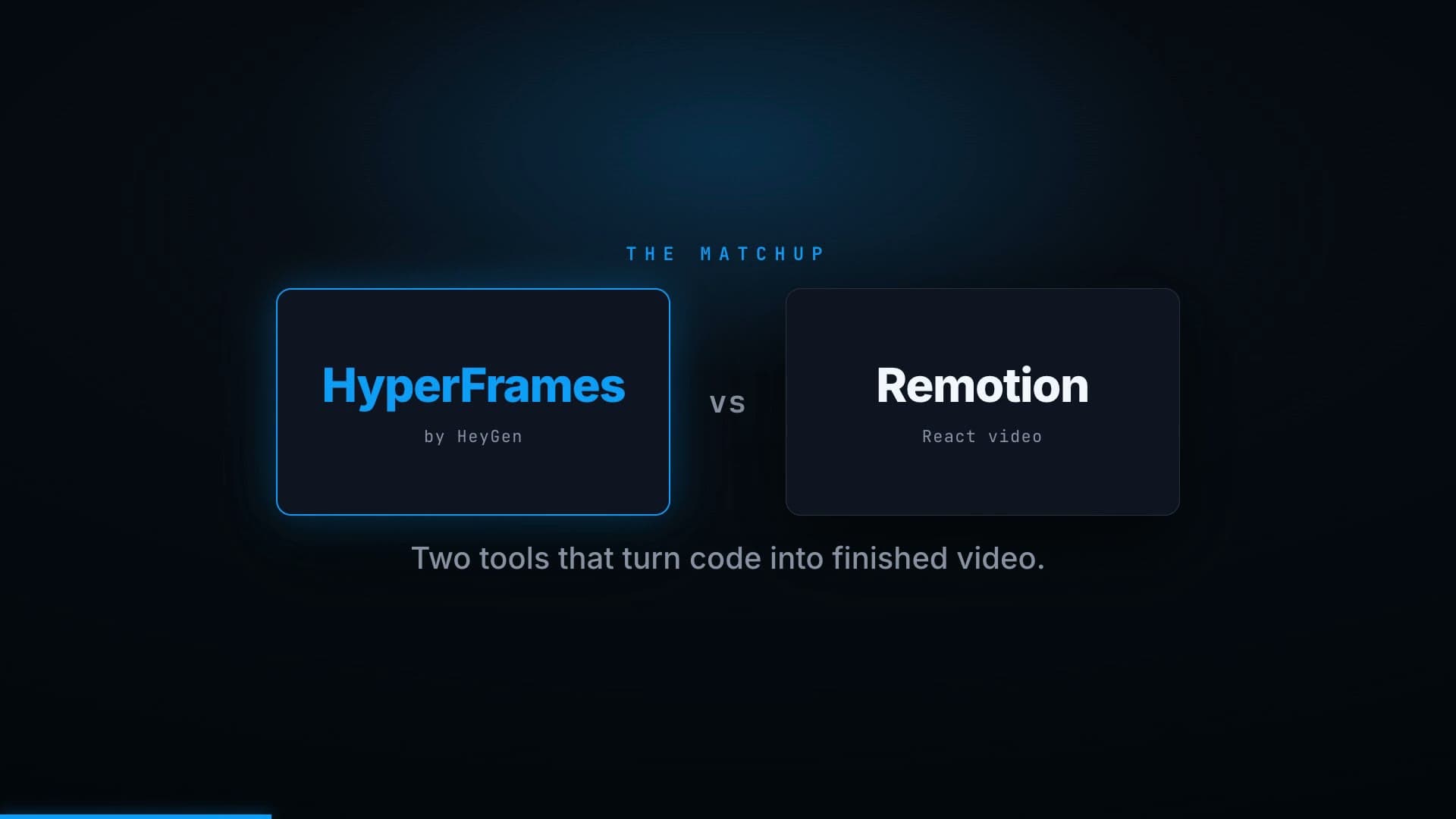
Then I went digging and found HyperFrames. I liked it better. That's the honest one-liner. But I wasn't sure my gut was right, so I did something I'd recommend to anyone: I had AI interview me like a reporter, write down what I actually thought, and then fact-check my opinion against the real differences between the two tools.
This whole thing is part of my 100-day build-in-public challenge, where I ship something with AI and write the honest version of what happened.
The interview
Here is that conversation, lightly cleaned up. The reporter is Claude. The answers are mine.
You tried both. What made you pick HyperFrames?
Honestly, the quality I got from HyperFrames felt a lot better out of the box. Remotion felt pretty basic when I started with it. Now, that was just my own perception. I'm not certain I was right about it. That was the feeling I got, and I wanted it checked.
For a non-developer, what does getting started actually require?
Both of these are open source, and open source scares some people off. I've done enough with it that it's not intimidating to me. But here's the real gate: you have to be working inside a coding tool. HyperFrames writes HTML to make the video, so you can't just be sitting in a chat window. You have to be in something like Claude Code or Codex.
If you have any comfort there, even a little, I don't think it's out of your reach. If you've never opened one of those, that's the thing to fix first.
Where does it stop being worth it? When is it the wrong call?
I keep wanting to say there's no limit, and I mostly believe that. The real limit is your own creativity and your willingness to experiment. That's the underlying thing with all of AI right now.
If you can't do something yet, ask the AI what it would take. Maybe you build the missing piece yourself. The limit isn't the technology anymore, and it isn't which subscriptions you pay for. You've got a gap, AI can help you fill it, and you just have to be willing to ask the questions and learn a few things you haven't learned before.
So who should not bother yet?
If you're not in a coding tool and you're not willing to get into one, wait. That's the only real no. Everyone else can start this week.
I made the AI grade my homework
I told Claude to research both tools and tell me, straight, whether HyperFrames is actually better or whether I just got lucky with my first impression. I'm leaving its answer in, because the honest version is more useful than the flattering one.
My "better out of the box" feeling was probably not about raw quality. Under the hood, both tools render the same way: headless Chrome plus FFmpeg. Same engine. So the ceiling on how good the pixels can look is basically identical. What I most likely felt was that HyperFrames was built for AI agents from day one and ships with agent-friendly defaults, so the AI handed me something polished faster. Remotion was built for React developers, so a cold start there looks more bare until you, or the AI, build the pieces up.
But there are two real reasons HyperFrames is the better default for a marketer, and neither is about looks.
First, the authoring model. HyperFrames is plain HTML, CSS, and JavaScript, with no build step. The file just plays. Remotion is React, which needs a bundler and a project setup. HyperFrames is literally described by its makers as built for agents. Plain HTML is easier for the AI to write and easier for a non-developer to read when something looks off. That matters more than it sounds like it should.
Second, the licensing, and this is the one that would actually bite a business. HyperFrames is Apache 2.0. Free for commercial use, no per-render fees, no thresholds. Remotion is source-available with a real catch: it's free for individuals and companies up to three people, but companies of four or more need a paid Company License.
If you're a team and you build a real video pipeline on Remotion, that's a bill. On HyperFrames it's zero.
Now the fair part, because an honest review gives the other side its due. Remotion is older, has a bigger community, a deeper ecosystem, and a more mature cloud-rendering story for rendering at massive scale. If you're already a React shop, or you need battle-tested rendering of millions of videos, Remotion is the safer, more proven pick. HeyGen's own comparison admits Remotion's cloud renderer is the more mature one. If you'd rather start there, we wrote a step-by-step guide to making marketing videos with Remotion.
So the verdict: for a non-developer at a real company who wants AI to make videos, HyperFrames is the better starting point. Not because the output is prettier, but because it's easier for the AI to drive and it won't send you a licensing invoice when your team grows. That lines up with where I landed by feel, just for sharper reasons than I had.
What we actually built with it
This is the part I'm most excited about, so let me show you the real thing instead of talking about it.
We use HyperFrames to make training videos for our product. The whole point is that video usually takes forever, which is why most teams make so few. We took the forever out.
A finished training video is really just five ingredients, and four of them are basically free. The script comes from our own product docs, sitting in the same digital asset management library we tell customers to build, written in our voice by AI. The voiceover is ElevenLabs, which was crazy easy to wire in once we found the right voice. (That took some trial and error. Budget for it.) The motion and brand template is a cinematic shell we built once and reuse for every video. And the render is one command.
That leaves one ingredient that isn't free: real screenshots of the actual product. Training only works if people see the real interface, not a recreation. So we built a small system where AI grabs the right screens, blurs anything sensitive, and drops them into the branded template.
Put it together and the flow is: AI writes the script, voices it with ElevenLabs, pulls the screens, animates everything, renders the MP4, and ships it. Mostly hands-off.
I'll be honest about the upfront cost. You have to work with it at the start. Getting the voice right took a few tries. Getting the branding right took pairing it with a design pass so the colors and type were actually ours. You don't get the magic on day one. You get it on day three, and then you get it forever.
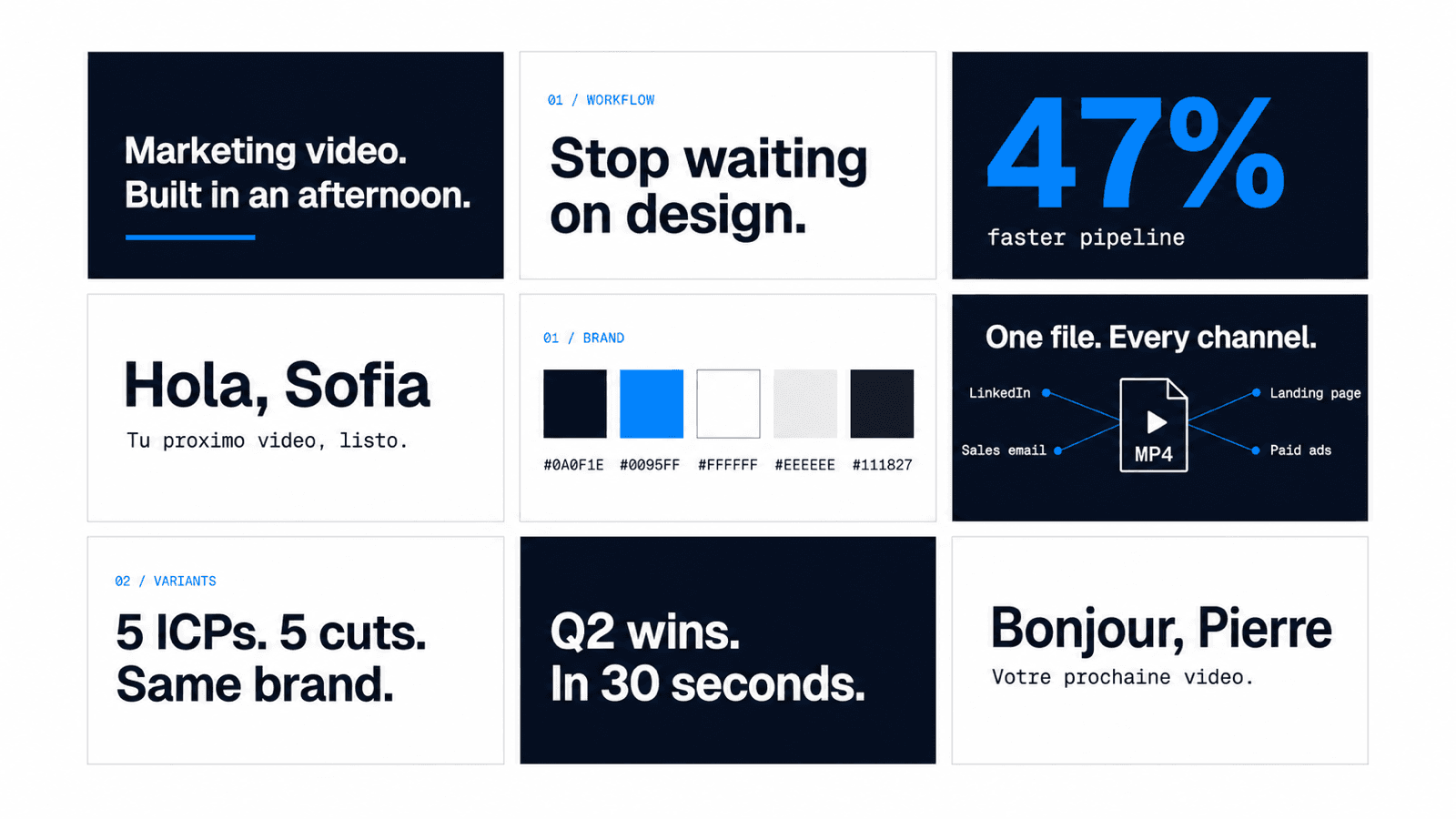
After that, you can take it as far as your imagination goes. If you want to drop in real footage and hand-edit, that's still a job for a normal editor like Premiere. But if you want the whole thing generated, branded, and narrated without a human touching a timeline, this does it. For go-to-market videos, for training, for explainers, I think it's powerful for a lot of teams, and almost nobody is doing it yet.
“Everyone has to be a builder now. Not a coder. A builder.”
The bigger thing
I won't call this a game changer, because that word died next to "synergy." But I do think it points at something true.
The limit on what you can make stopped being the tools. It stopped being your budget or your subscriptions. The limit is whether you're willing to ask the question, try the thing, and learn something you didn't know yesterday.
I keep saying it: everyone has to be a builder now. Not a coder. A builder. Now that we all have access to the ultimate building tool, the people who poke at it are going to pull away from the people who wait.
If you want to start, it's one sentence. Open Claude Code or Codex and ask it to help you make your first HyperFrames video. See how far you get by Friday.
Key Takeaways
- Both HyperFrames and Remotion render video the same way under the hood (headless Chrome plus FFmpeg), so raw quality is basically a tie.
- HyperFrames wins for a non-developer for two concrete reasons: it is plain HTML built for AI agents, and it is free under Apache 2.0 with no team-size limit.
- Remotion is free only for companies of up to three people. At four or more, it needs a paid license that starts at a $100 a month minimum.
- The real gate is comfort in an AI coding tool like Claude Code or Codex. If you have that, you can make your first video this week.