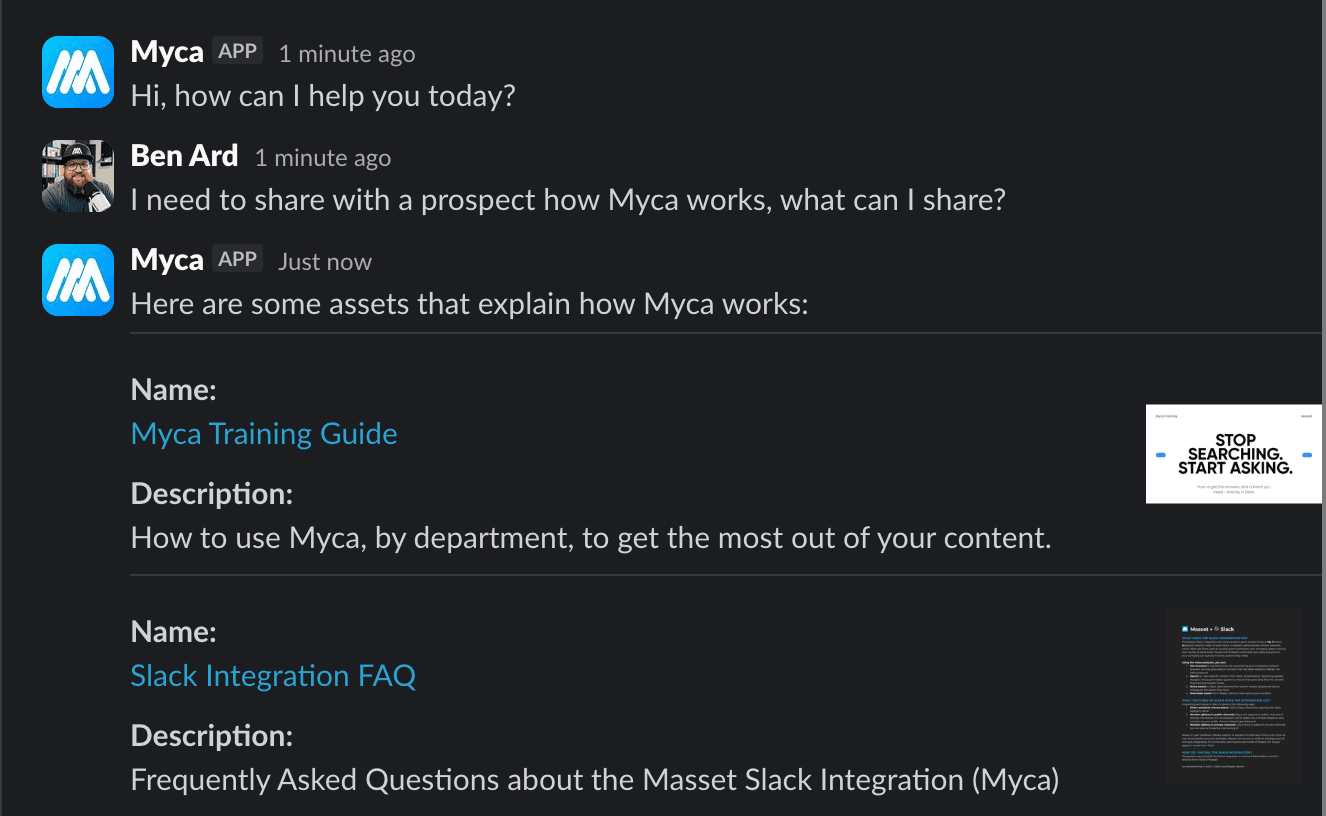
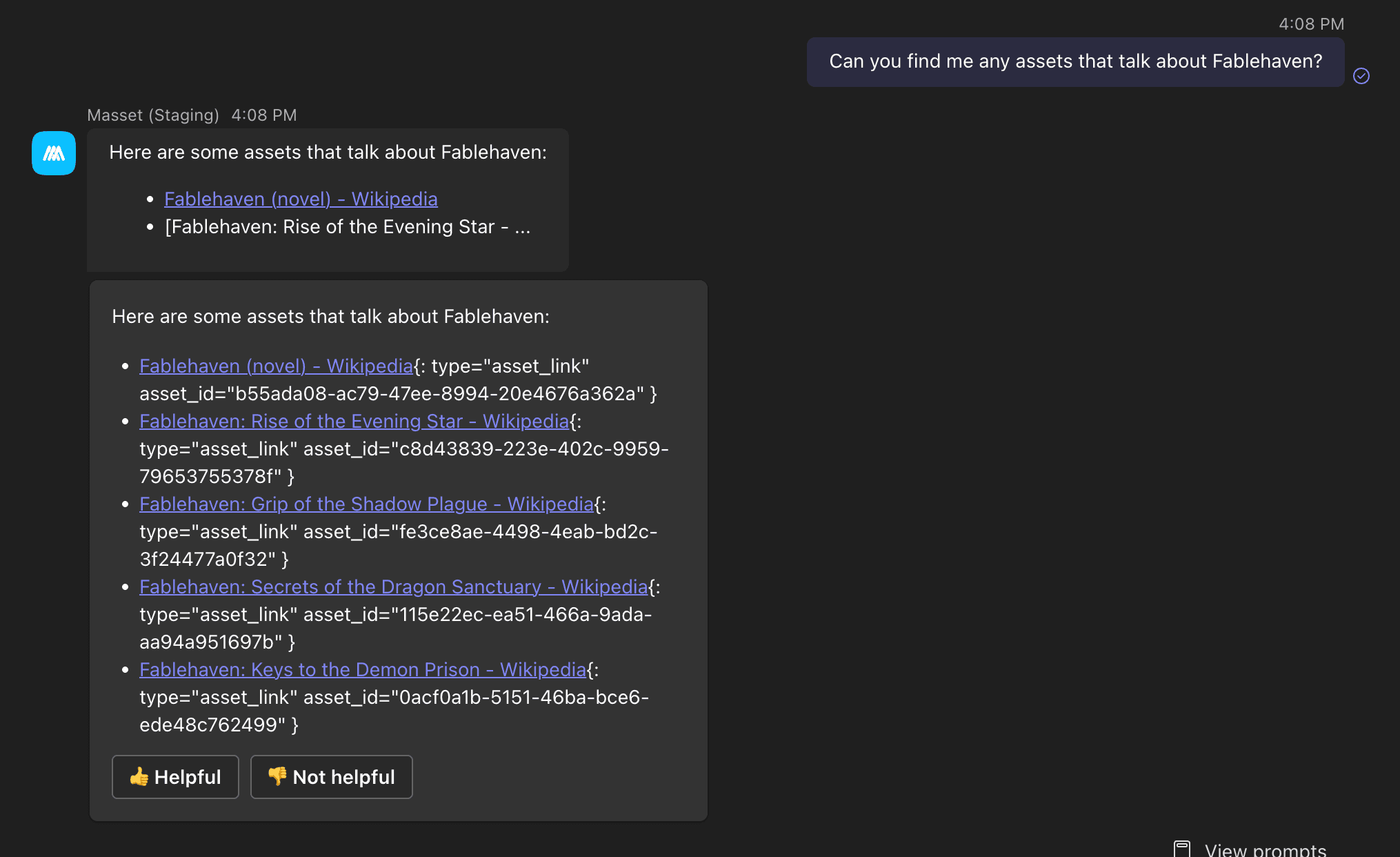
If your company runs on Glean, your Masset content now lives there too.
Starting today, Masset connects to Glean as a content source. When someone on your team searches Glean, the approved decks, one-pagers, case studies, and brand assets sitting in Masset show up right alongside everything else Glean indexes. No copying files around. No second place to look.
The problem this fixes
Glean is where a lot of teams go to ask a question and get one answer from across all their tools. The gap, until now, was that your best marketing and sales content was not part of that answer. It lived in Masset, and Glean could not see it. So people searched twice, or never found it at all.
This integration closes that gap. Masset becomes a source Glean can read, so the content your team needs surfaces in the search they already use every day.
What your team gets
Your real content, inside Glean
The same approved content your team finds in Masset: decks, one-pagers, case studies, product docs, and brand guidelines. Glean results point back to the current version in the Central Library, so nobody ends up sharing something six months out of date.
Always the latest version
When marketing updates an asset in Masset, what surfaces in Glean updates with it. Masset stays the single source of truth, so one update ripples everywhere, Glean included.
Your permissions, respected
Masset permissions follow the content into Glean. People only see what they are already allowed to see in Masset. Connecting Glean does not expose anything to anyone who should not have it.
Why we built it
Our whole job is to make sure your content gets found and used, wherever your team actually works. For a growing number of companies, that place is Glean. The fewer tabs someone has to open to find the right asset, the more likely they are to use it. So we met your team where they already are.
How to turn it on
If you are a Masset customer using Glean, your admin can connect it from Admin → Integrations. If you want a hand rolling it out across a larger team, just reach out and we will walk you through it.
As always, this started as a customer request. If there is another tool where you wish your Masset content showed up, tell us. That is usually how these get built.
Thanks,
Ben and Tyler
Co-founders of Masset