This one is a quiet release with a loud consequence.
For the last year, Masset has run two different AI surfaces over the same content library. The Masset MCP server powered every AI client that speaks MCP: Claude, ChatGPT, Cursor, Claude Code, and anything else your team plugs in. Myca, our content assistant inside Slack and Microsoft Teams, ran on its own internal engine. The two surfaces felt similar, but they were not the same brain. They had different tools, different reach, and different ceilings.
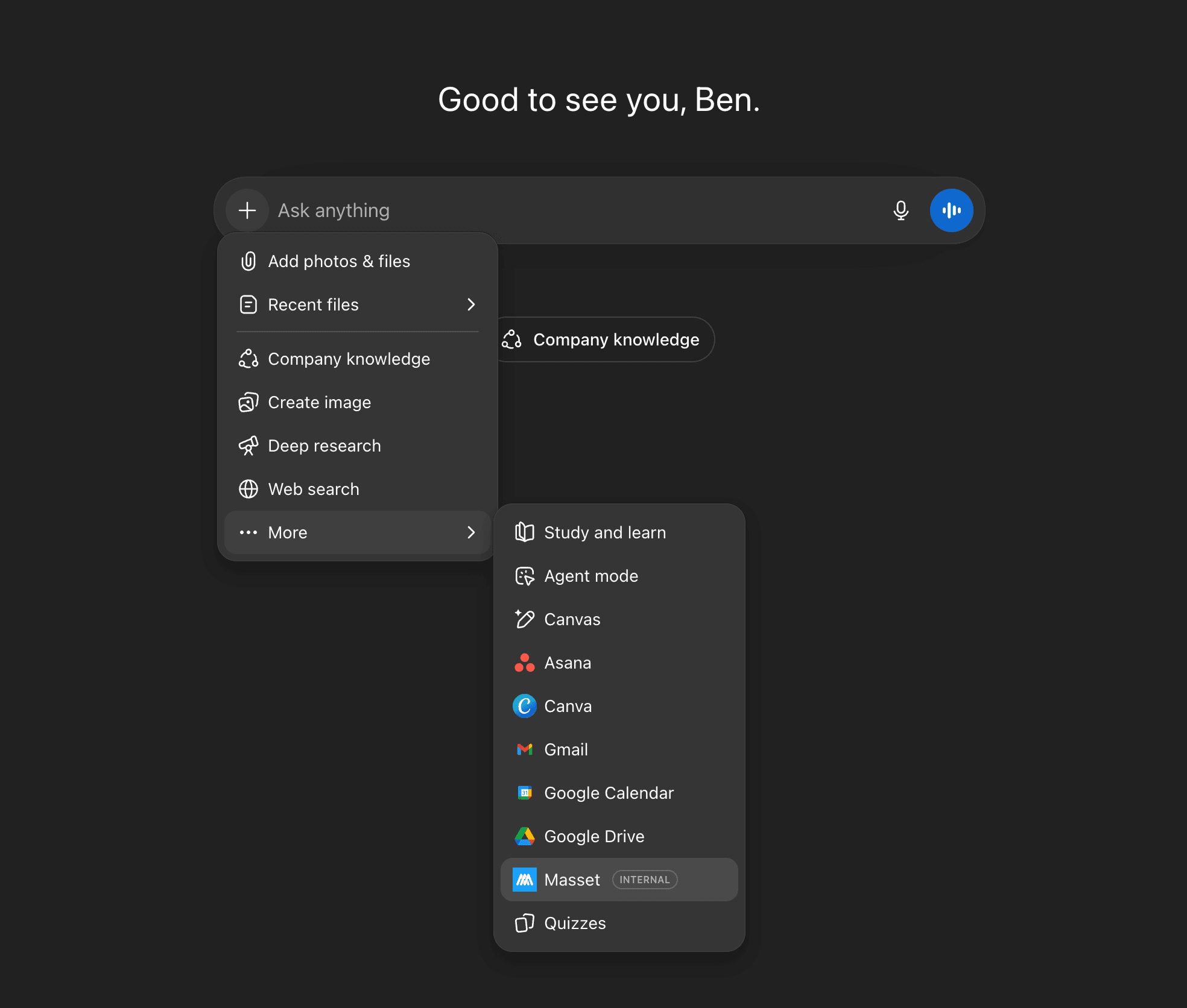
As of today, they are the same brain. Myca now runs on the full Masset MCP toolset, inside both Slack and Microsoft Teams. The same toolset that Claude and ChatGPT use against your content is now what Myca uses to answer (and act for) your reps.
What this actually means for your team
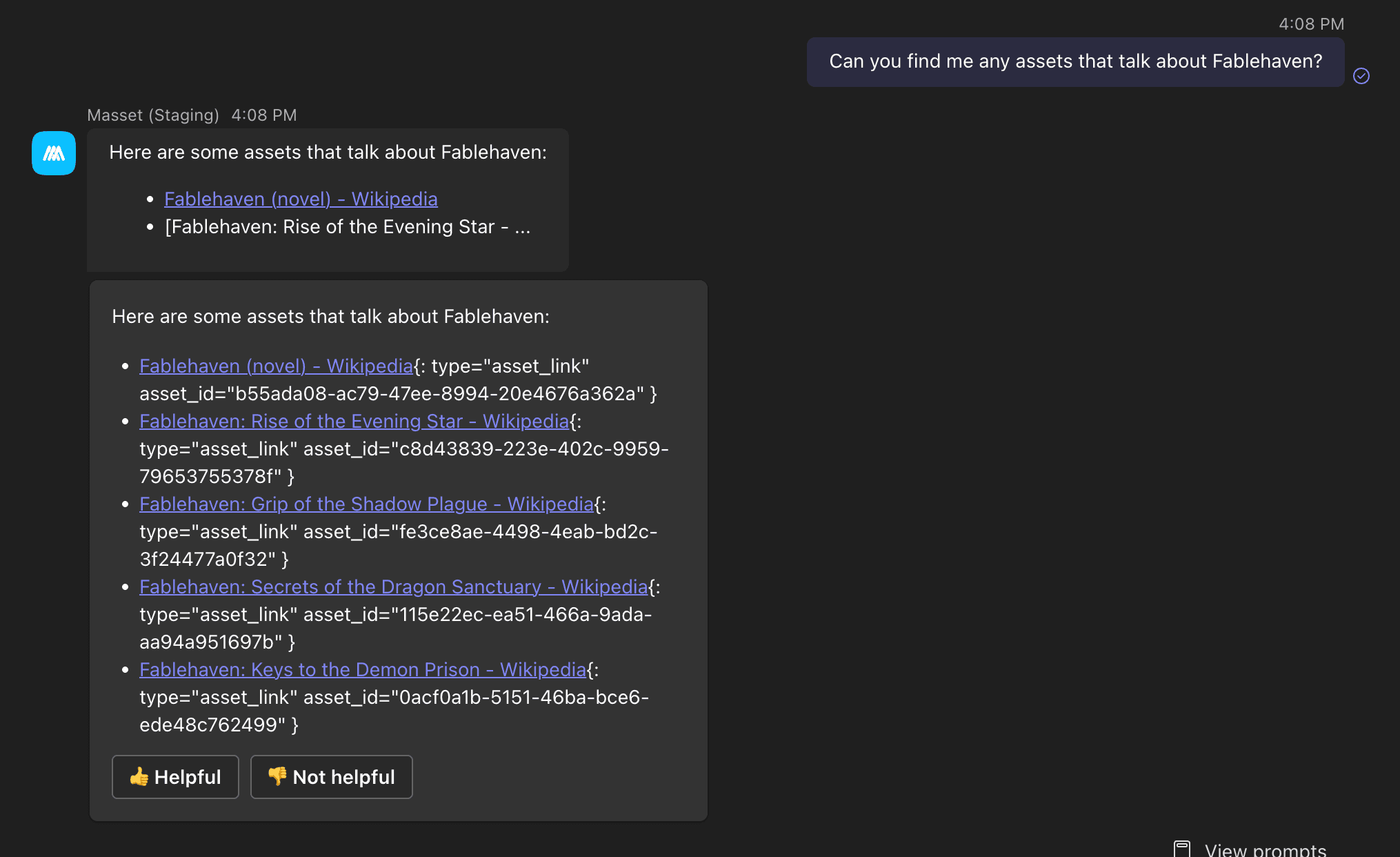
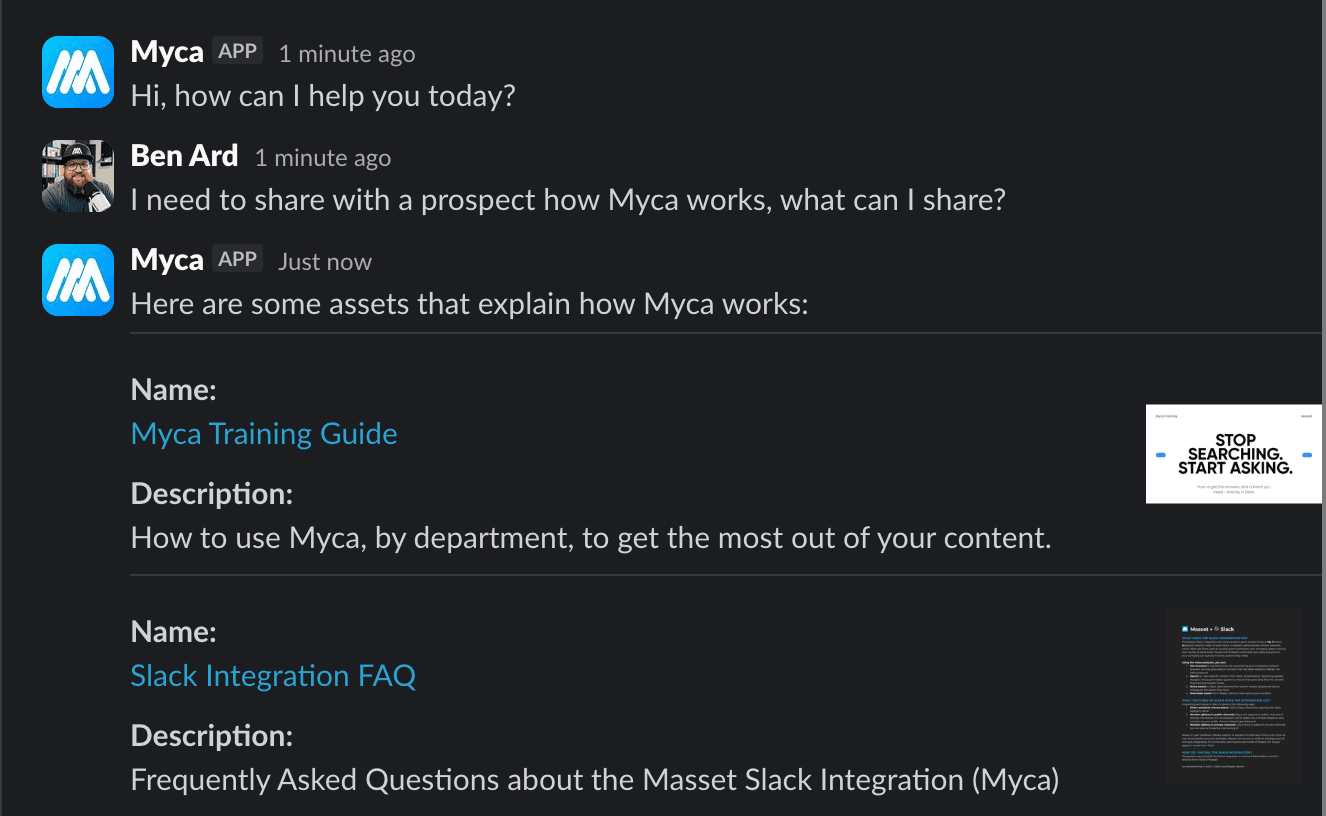
Before today, Myca in Slack and Teams was good at the moves it knew how to make. It could find a piece of content, share it into a chat, and answer a basic question grounded in your library. It was useful, and it stayed useful, but it had a fixed playbook.
Now Myca has the same playbook your AI clients have. That includes real semantic search across the meaning of your content, not just keyword matching on filenames and tags. It includes analytics on demand, so a rep can ask "what did our customers download most this quarter" and get an answer from inside Slack or Teams. It includes the full content of an asset, not just the title and description, so the answer Myca gives can quote the actual deck or doc. It includes the taxonomy of your library, so Myca knows which collections, tags, and groups exist before it goes looking. It includes the activity history of any asset, so Myca can tell a rep how a specific buyer or customer has engaged with a specific piece of content. And it includes action tools, so Myca can do things like share an asset, file a content request, or update a record at a rep's command, instead of bouncing them over to the web app to finish the job.
Same Myca surface. Much bigger toolbox.
Here is the read surface Myca now uses to answer questions in chat
Search, retrieval, analytics, and discovery. Every tool respects Masset permissions.
- asset_search · The primary search Myca reaches for. Mix of keyword and semantic, scoped by your tags and collections.
- keyword_search · A fast substring search across names, descriptions, file names, tag names, and detected object labels. Useful when a rep knows exactly what they are looking for.
- semantic_search · Meaning-based search via embeddings. The rep can ask in plain language and Myca will find the right chunk of content even when the words do not match.
- asset_analytics_search · Rank assets by downloads, views, or shares over any time window. Now a Slack or Teams question rather than a trip to the Masset web app.
- get_asset_metadata · Pull the detailed metadata for up to fifty assets at once. Tags, file type, properties, colors, detected objects.
- get_asset_content · Pull the extracted text from an asset. This is the one that lets Myca actually quote the document.
- get_asset_preview · Pull a JPEG preview of an asset so Myca can show a rep what a deck or graphic looks like before they share it.
- get_asset_activity · Per-asset views, downloads, and shares. Now answerable in chat.
- get_search_context · The taxonomy of your library. Tags, categories, collections. Myca uses this to translate a natural-language question into the right filter before searching.
- list_collections · Resolve a collection name (for example, "Q1 Launch Materials") into the asset IDs inside it.
- list_groups · Resolve a group name (for example, "Sales") into the people inside it. Useful for scoping an analytics question to a specific team.
- list_users · Look up a Masset user by name, email, or ID.
If you have used the MCP playbook on the AI client side, this list will look familiar. That is the point. The brain is the brain, no matter which doorway a rep walks through.
Alongside the read surface, the same MCP toolset also includes action tools that let Myca create, update, and share on a user's behalf when a rep asks for it. Same permission model. Nothing happens in your library through Myca that the rep could not do themselves in Masset directly.
Same permissions. Same source of truth. Same answer in every surface.
The invariant we care about most has not changed: permissions.
Every tool Myca calls in Slack or Teams respects the same Masset permissions your team already has. A rep will not see an asset, an analytics number, or an organizational lookup they could not see if they logged into Masset directly. The same goes for actions: a rep cannot share, create, or update anything through Myca that they could not do directly in Masset. Per-user account association between Slack or Teams and Masset is still required, exactly as it was before.
What did change is the consistency. When a rep asks Claude or ChatGPT the same question they ask Myca in Slack, they now get answers from the same engine, grounded in the same content, filtered through the same permissions. The drift between "what the AI client said" and "what Myca said" is gone, because there is no longer an "Myca said" and a "Claude said." There is just Masset, answering.
How to turn it on
If you are already running the Masset for Slack or Masset for Microsoft Teams integration, you do not need to do anything. The new engine is on by default for every existing install. Your reps will notice that Myca's answers are sharper, that semantic questions actually land, and that analytics questions get answered in chat instead of bouncing the rep over to the web app.
If you have not turned on Slack or Teams yet, your admin can add either from Admin · Integrations · Add Account. Each user does a one-time account link so per-user permissions follow them into chat.
If you are an AI client user (Claude, ChatGPT, Cursor, Claude Code), nothing changes for you either. You have been running on this engine the whole time. The news is that the rest of your team, the ones who live in Slack and Teams instead of an AI client, are now running on it too.
The bigger picture
Earlier this week we relaunched Masset around a new frame: Marketing AI Operations. The premise is that every marketing team in 2026 has been handed AI and told to figure it out, and most will not, because nobody is actually running it. Running AI for a marketing team means two things at once. The AI has to know your business. Your team has to know AI.
Today's release is the cleanest expression of the first half of that promise we have shipped to date. One MCP server. One toolset. Every AI surface your team uses, including the chat tools they already live in, pulling from the same approved content, with the same permissions, in the same voice. That is what "AI that finally knows what your company knows" looks like in practice.
We have more coming on the second half (the part about your team actually knowing AI) over the next few weeks. For now, go ask Myca something hard. It will surprise you.
Thanks,
Ben and Tyler
Co-founders of Masset